Small businesses
Orders, leads, price lists and the way you do things, kept where the whole shop can find them.
- Leads CRM
- Pricing & GST calculator
- Task tracker
- Process flowchart
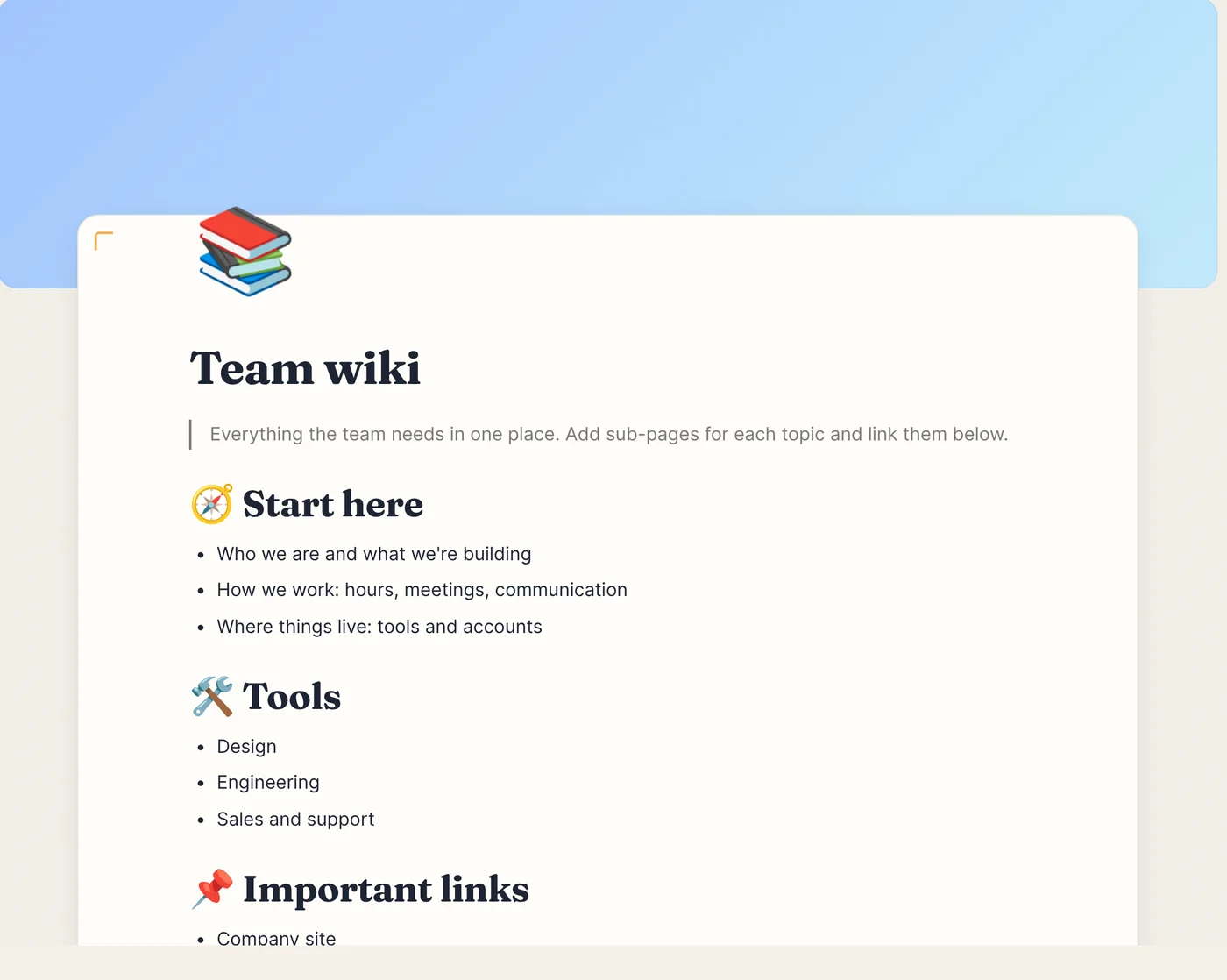
Priinteve Workspace is where your team writes docs, runs projects and keeps its knowledge. Edit together in real time, and type in Gujarati, Hindi or Tamil as easily as English.
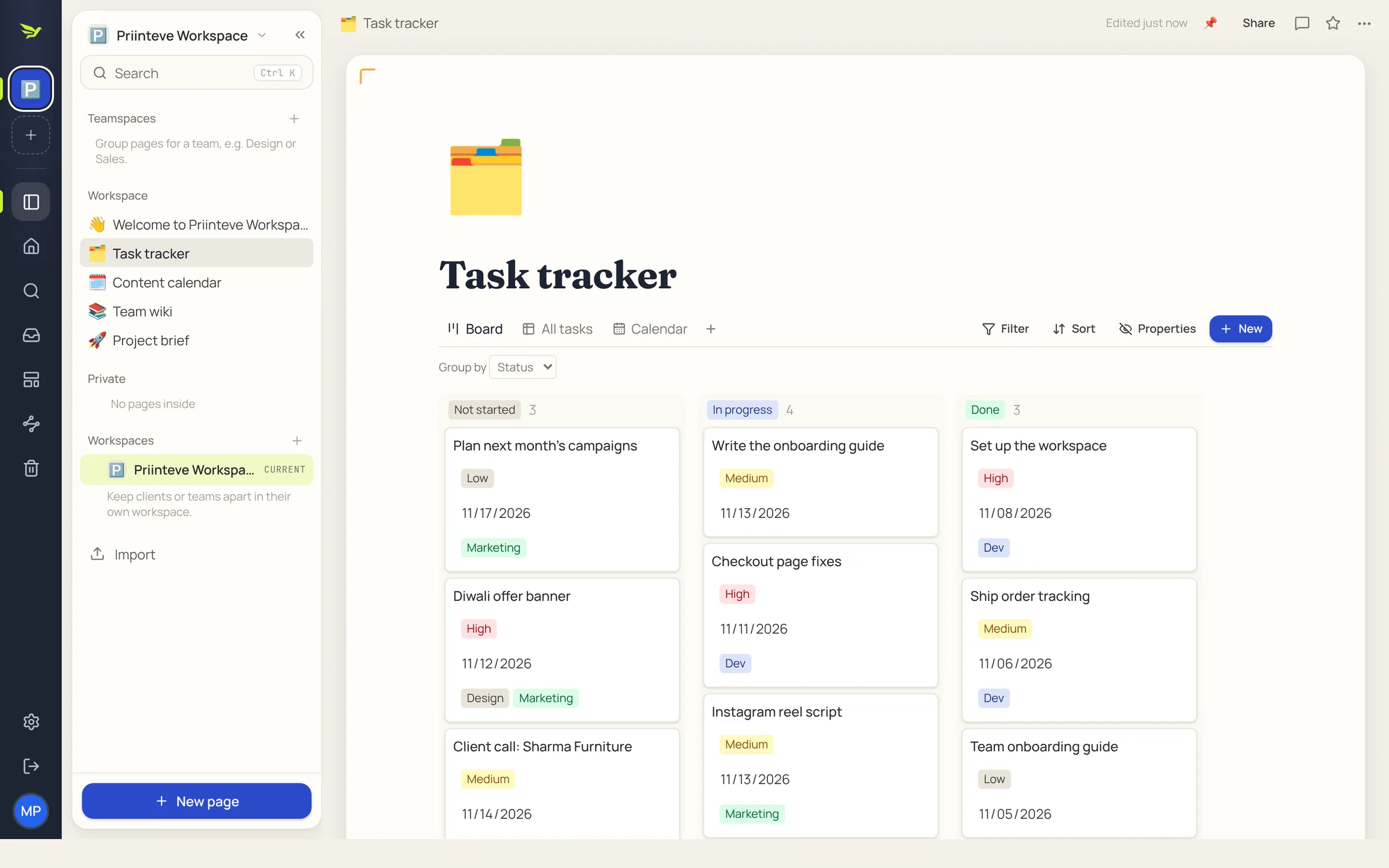
Type / to add headings, checklists, tables, maths or a diagram. Everything is a block you can drag.
@Arjun reds on page 12 look dull on matte. Can we bump them?
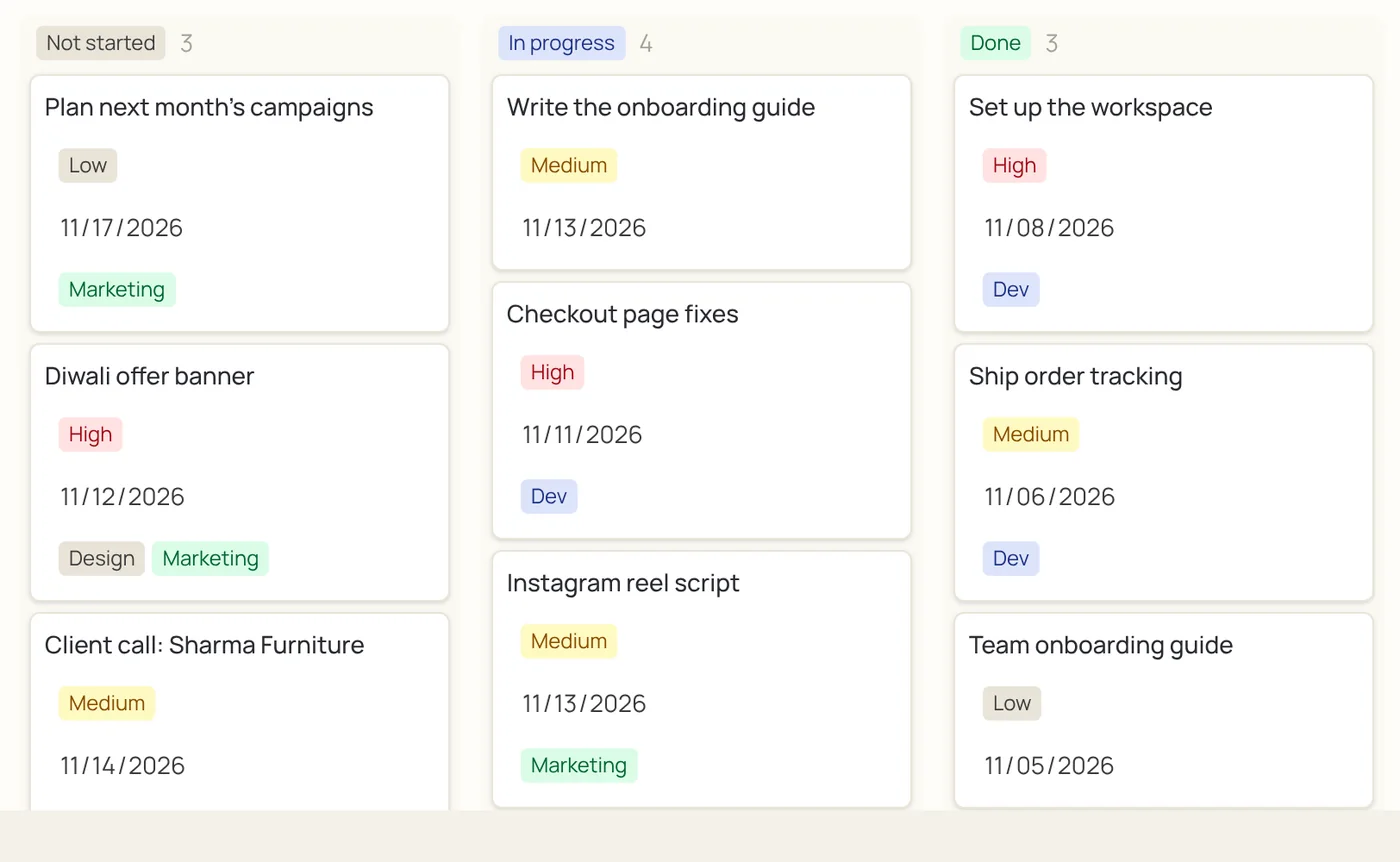
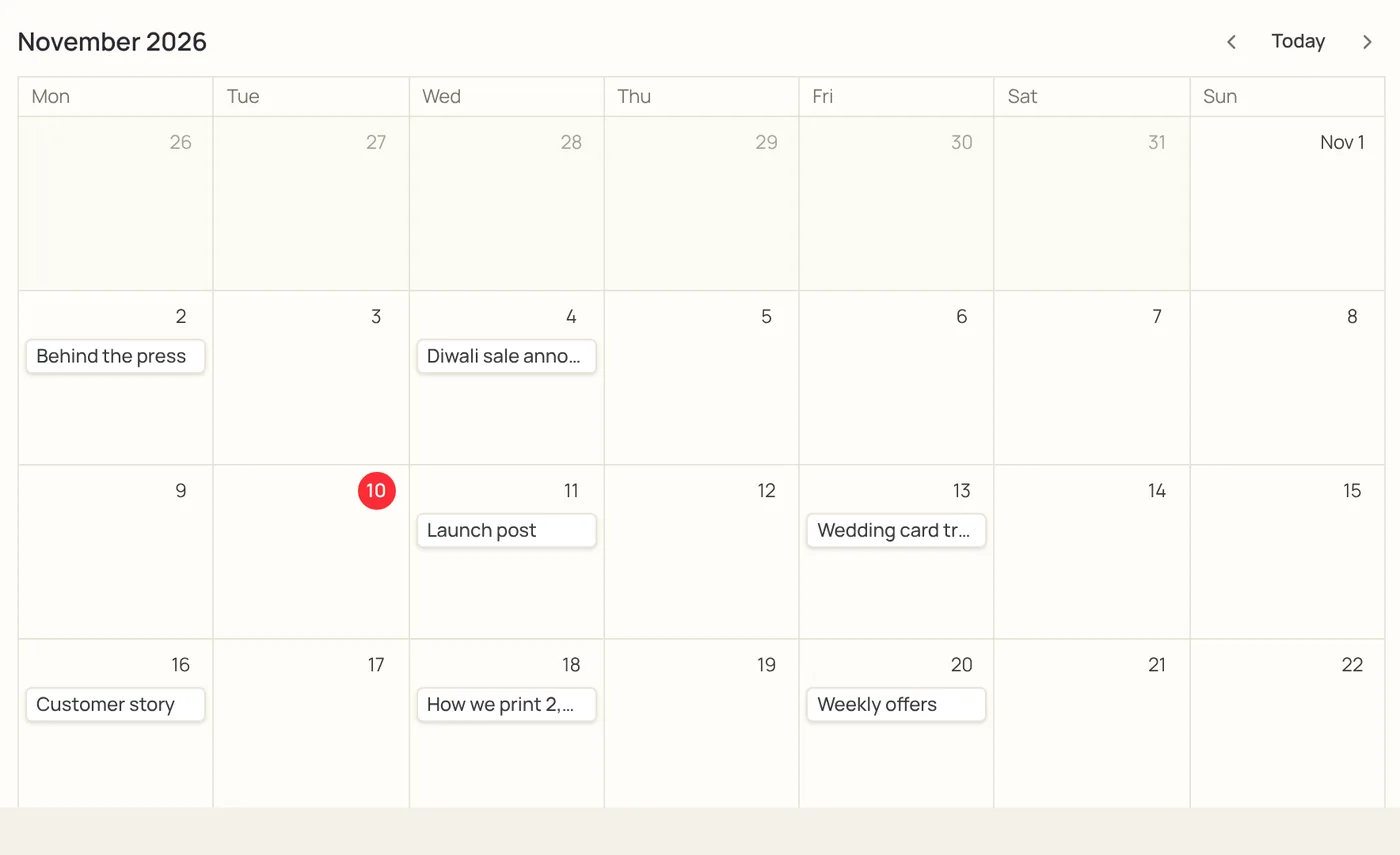
Every database has a table, board, calendar and list view. Drag a card to a new column or a post to a new date, and everyone sees it move.
Type in English letters and press space. Tip: aa = આ, ii = ઈ, chh = છ, sh = શ.
Orders, leads, price lists and the way you do things, kept where the whole shop can find them.
A workspace per client, a content calendar per month, and every brief and meeting note in one place.
Subjects by chapter, revision planned before the exam, and maths and science notes with real equations.
Every feature. Every team.
No trial clock and no card. Create your workspace, invite your team and use all of it.
Yes. Create an account and you get your own workspace with every feature. No card needed.
Only people you add to your workspace. Private pages stay private until you share them, and each workspace is kept separate from the others.
Open Settings, create an invite link and pick a role: admin, member or guest. When they sign up from the link they land in your workspace.
Yes. Export your Notion workspace as Markdown and CSV, then import the zip. Pages, sub-pages and databases come across.
Phonetic typing works for Hindi, Marathi, Sanskrit, Gujarati, Bengali, Punjabi, Odia, Tamil, Telugu, Kannada, Malayalam. You can also translate a whole page and switch the app into your language.
Yes. It runs in the browser on phones, tablets and computers, with a layout made for small screens.